Article 1
How Close Can Your TV Get to a Reference Monitor?
A calibrated TV can move closer to the picture approved in a grading suite, but it does not become a reference monitor. Learn what calibration can and cannot do.
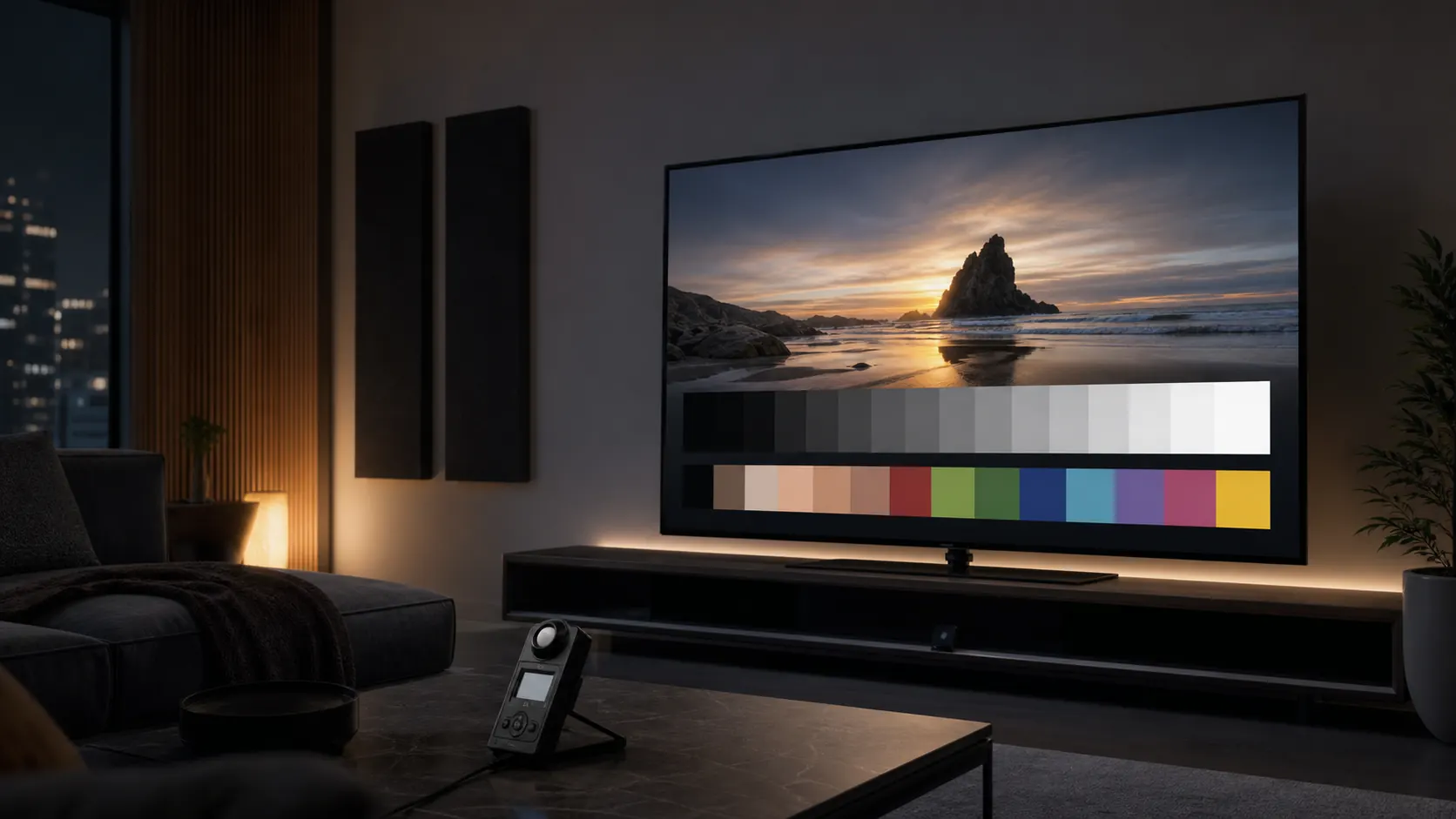
A practical guide to how video is created, delivered, interpreted, and displayed, with clear explanations of picture settings, SDR, HDR, color, tone mapping, measurement, and calibration.
Direct answer
A television picture is shaped by the entire video chain. It depends on how the program was captured and mastered, how it was compressed and delivered, how the television interprets and maps the signal to its panel, which picture settings are active, and the light in the room. Good setup and measurement-based calibration can reduce some display errors and bring the result closer to defined targets, but they cannot restore information lost earlier in the chain or turn a consumer television into a professional reference monitor.
Why It Looks Like That explains how a television picture is created, delivered, interpreted, and displayed. The articles connect practical picture settings to the underlying subjects that make those settings meaningful, including light, color, human vision, SDR, HDR, tone mapping, color temperature, gamma, EOTF, video standards, and television processing.
You do not need a technical background or measurement equipment to begin. The early guidance can help you choose a suitable picture mode, prepare the room, evaluate common processing controls, and understand what the television is doing to the signal. Later articles explain measurement-based calibration, including what the equipment measures, which adjustments may be available, how results are verified, and where the limits of a consumer television remain.
The goal is not to prescribe one picture preference. It is to help you distinguish personal preference from measurable conformity to an applicable target, so each decision is informed and reversible.
A calibrated TV can move closer to the picture approved in a grading suite, but it does not become a reference monitor. Learn what calibration can and cannot do.
Follow a video signal from camera capture through grading, compression, HDMI, TV processing, calibration, and the light in your room.
Learn how your television interprets a video signal, adapts HDR and color to the panel, and applies optional picture processing.
Learn how cones, rods, metamerism, D65 white, adaptation, and transfer functions shape the color and brightness you see on a television.
Learn what the CIE color diagram and RGB triangles show, how Rec. 709, P3, and BT.2020 differ, and what your TV's Color Space setting changes.
Accurate D65 white can appear yellow or warm after cooler presets because of chromatic adaptation, room lighting, and previous viewing conditions. Learn what is normal and how to verify.
Learn how BT.709 encodes scene light into an SDR signal, how display gamma converts that signal into luminance, what BT.1886 defines, and why menu Gamma labels can mislead.
Learn what a nit measures, why SDR is relative, how PQ uses absolute luminance, why HLG is different, and what peak brightness means for HDR TVs.
Learn how PQ maps HDR to absolute luminance, how HLG adapts to displays and broadcasts, and why HLG is not fully compatible with legacy SDR TVs.
Learn what 8-bit, 10-bit, and 12-bit video mean, why gradients show banding, how dithering helps, and what HDMI settings can and cannot fix.
Learn what 4:4:4, 4:2:2, and 4:2:0 mean, why video reduces chroma detail, when text suffers, and which TV and HDMI settings matter.
Learn how HDR10, HDR10+, Dolby Vision, and HLG differ in transfer functions, static and dynamic metadata, compatibility, and TV tone mapping.
Learn how HDR tone mapping fits bright highlights and wide color into a TV, why metadata helps, what HGiG recommends, and which settings matter.
Prepare your room before TV calibration by controlling screen reflections, surround light, viewing distance, wall color, and daytime conditions.
Learn how to choose Filmmaker, Movie, Cinema, Game, PC, or Standard mode, what each preset can change, and why the exact TV must be tested.
Learn which TV processing controls to disable for a stable picture, which settings need testing, and why local dimming and protection should stay active.
Learn how to match limited or full HDMI range, use an SDR or HDR PLUGE pattern, and set TV black level without crushing shadow detail.
Set SDR white level without clipping, understand HDR Reference White, test peak brightness correctly, and identify OLED or LCD brightness limiting.
Select the best color-temperature preset, understand what D65 chromaticity actually means, and know when 2-point or multipoint white-balance calibration is required.
Choose and verify the correct SDR EOTF on your TV. See how BT.1886 differs from fixed 2.2/2.4 gamma, why room light matters, and how to test luminance tracking with patterns.
Learn what TV Color, Tint, blue-only color bars, Color Space, and CMS controls can verify, and where measured color calibration must begin.
Configure HDR10, HDR10+, HLG, and HDR gaming, verify tone mapping and HDR Reference White, and avoid universal Peak Brightness settings.
Verify TV calibration with patterns, measurements, controlled clips, and real content across SDR, HDR, apps, HDMI inputs, and gaming modes.
Choose a TV colorimeter by checking low-light performance, display corrections, software support, pattern generation, and Samsung AutoCal compatibility.
Learn how to read TV calibration reports, Delta E formulas, RGB balance, SDR and HDR EOTF charts, gamut coverage, and color-volume results.
Follow a measured TV calibration workflow for SDR, HDR10, HLG, manual controls, Samsung AutoCal, CMS, grayscale, EOTF, and validation.
Video reproduction depends on shared assumptions: how bright white is supposed to be, how shadows should rise out of black, what neutral gray looks like, and which colors and luminance relationships a signal can describe. Calibration is the work of making the display follow those assumptions closely enough to reduce added error and help preserve the creative choices carried by the delivered signal.
OLED pixels can switch off, but shadow detail still depends on signal level, room light, near-black handling, and the chosen picture mode.
The industry target for video white is commonly D65. Too cool reads blue; too warm shifts whites and grays toward yellow or red and can disturb the balance of colors across the image.
These curves describe how signal values become light. The wrong curve can make an otherwise accurate picture look too dark, too light, or too contrasty.
SDR and HDR commonly use different transfer functions and color gamuts. A TV must map the signal to its capabilities without adding saturation the source did not ask for.
Sharpening, smoothing, noise reduction, motion interpolation, and dynamic contrast can all change the image after the source has been decoded.
Your eyes adapt to the room. A setting that looks correct at night may feel dim in daylight even when the TV is following the signal well.
A modern television can preserve, reinterpret, or enhance the incoming signal as it prepares the picture for the screen. The most accurate setup usually begins with an accuracy-oriented picture mode, then reduces the optional processing that moves the image away from the source while leaving necessary signal handling intact.
HDR content can ask for more brightness, wider color, and finer highlight detail than SDR. No current consumer OLED can reproduce the full range that PQ can describe, and some form of display mapping is often necessary when the content exceeds the TV’s luminance or color-volume limits. The important question is how well the TV preserves the scene’s tonal relationships while fitting the image within those limits.
Neutral gray should remain neutral from dark to bright. A tint in gray can introduce a cast across much of the image.
A display is judged not only by whether it can reach a color, but by how accurately it can hold that color across the brightness levels the image requires.
For readers who want to move beyond basic setup into objective verification, a meter, known test patterns, and calibration software can show how the display measures against a chosen target, where it differs, and which controls improve the result without creating new errors elsewhere. Repeated measurements can also reveal drift over time. The goal is not to chase numbers for their own sake; it is to understand what the image is doing.
The best calibration mindset is patient. Learn what each control is trying to change, make one decision at a time, and keep returning to the same question: does this help the television reproduce the delivered signal more faithfully within its capabilities?
Reference material should remain easy to reach throughout the site. This section collects definitions, pattern notes, equipment context, legal information, and project background alongside the main learning path.